You are not logged in.
- Topics: Active | Unanswered
#1 2026-09-23 13:19
- seb3773
- Member

- From: France
- Registered: 2023-11-01
- Posts: 285
xbootsplash - a lighter alternative to plymouth for bootsplash !
Hello ! This app is based on a script I wrote some times ago, I decided to improve it and code a proper GUI (in tqt3 of course  ), it took some times, but here it is at last:
Fact: Plymouth is overkill for a boot splash. It was designed as a full graphical boot experience with:
A persistent daemon running throughout boot and after login, complex DRM/KMS rendering with multiple backends, theme engine with scripting support, integration with display managers (gdm, lightdm), password prompts for encrypted disks, multi-seat support, VT handling, etc....
This is cool, but this complexity comes at a cost:
~10+ MB of installed size (themes, plugins, libraries)
Background service continues running after boot
Boot overhead: DRM initialization, theme loading, IPC
Potential conflicts with graphics drivers and display managers
Difficult to debug: multiple layers of abstraction
----> xbootsplash takes a different approach:
Plymouth
Runtime : Daemon + service
Size : 10+ MB
Dependencies : libdrm, libply, plugins
xbootsplash (fbdev)
Runtime : Single binary, exits when done
Size : 13-80 KB (static)
Dependencies : None (freestanding)
---> The philosophy: do one thing, then get out of the way
I really think a boot splash should display an animation/static image and disappear. No services, no daemons, no background processes should be involved of let running after boot completed. Once the real init takes over, xbootsplash is already gone.
xbootsplash works on any Linux distribution that uses:
- fbdev mode: A framebuffer device (/dev/fb0)
- DRM mode: A DRM/KMS device (/dev/dri/card0)
- Standard initramfs (initramfs-tools, dracut, mkinitcpio, or custom)
Tested/compatible with:
Debian/Ubuntu: initramfs-tools (standard method)
Arch Linux: mkinitcpio (custom method)
Fedora/RHEL: dracut (custom method)
Gentoo: genkernel or custom initramfs
Alpine: mkinitfs (custom method)
Custom setups: Any initramfs with manual init script
fbdev mode works on systems with:
efifb (EFI systems)
vesafb (BIOS/legacy)
simplefb (device tree)
DRM drivers with fbdev emulation enabled
DRM mode works on systems with:
Any DRM/KMS driver (amdgpu, i915, nouveau, radeon, etc.)
No fbdev emulation required
Features:
-5 Display Modes: Animation or static image, with solid color or background image
-Zero Dependencies (fbdev): Freestanding binary, no libc required
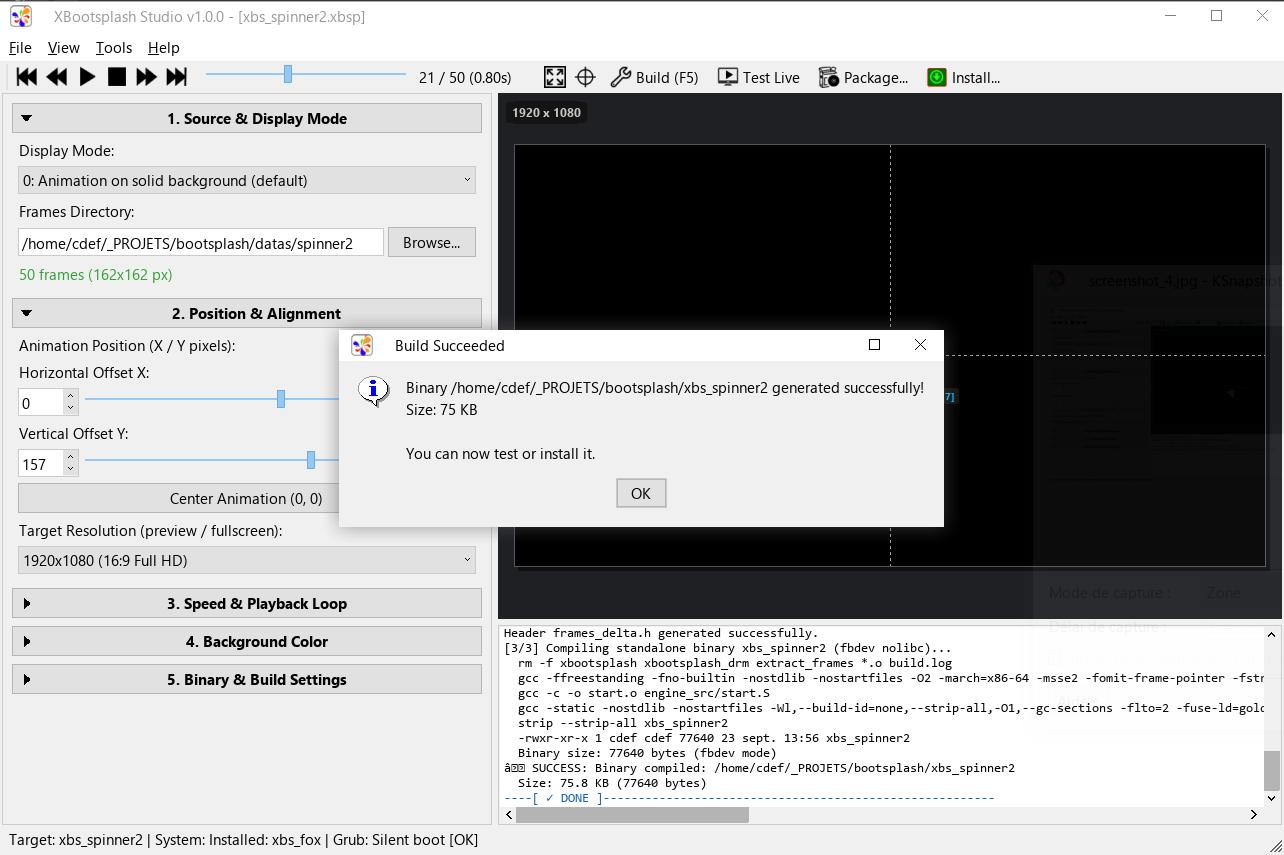
-Minimal Size: 13 KB (fbdev static) to 29–80 KB (animations) or 35–285 KB (DRM dynamic). Rich or cinematic boot animations with dozens of complex frames or full-screen backgrounds can comfortably reach ~1 MB if desired, while remaining completely negligible in memory and initramfs footprint.
-Dual Backend: fbdev (legacy) and DRM/KMS (modern) support
-Live Hardware VT Preview: Test splash screens directly on physical display hardware (/dev/fb0 or DRM/KMS) at native refresh rates without rebooting or altering initramfs, backed by an automated 10-second fail-safe watchdog and instant keyboard exit
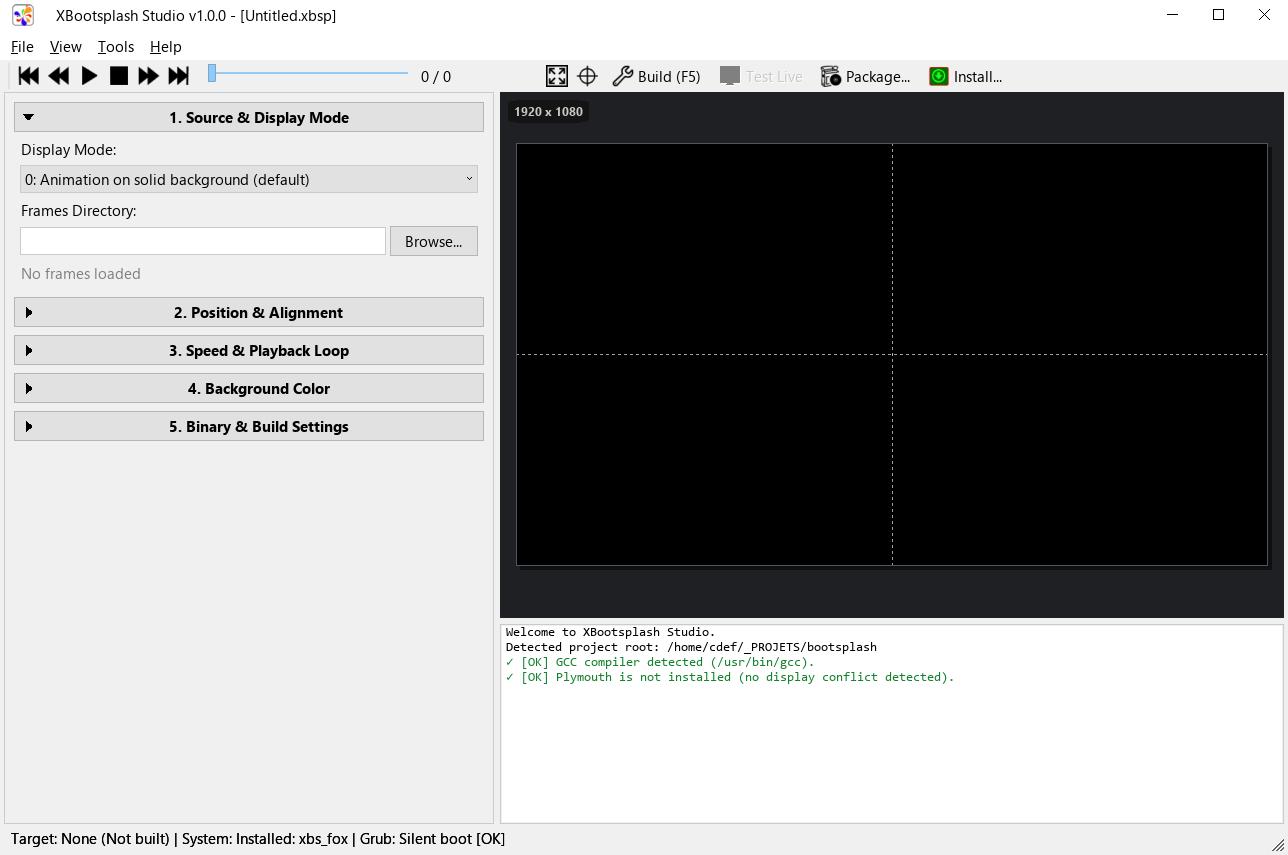
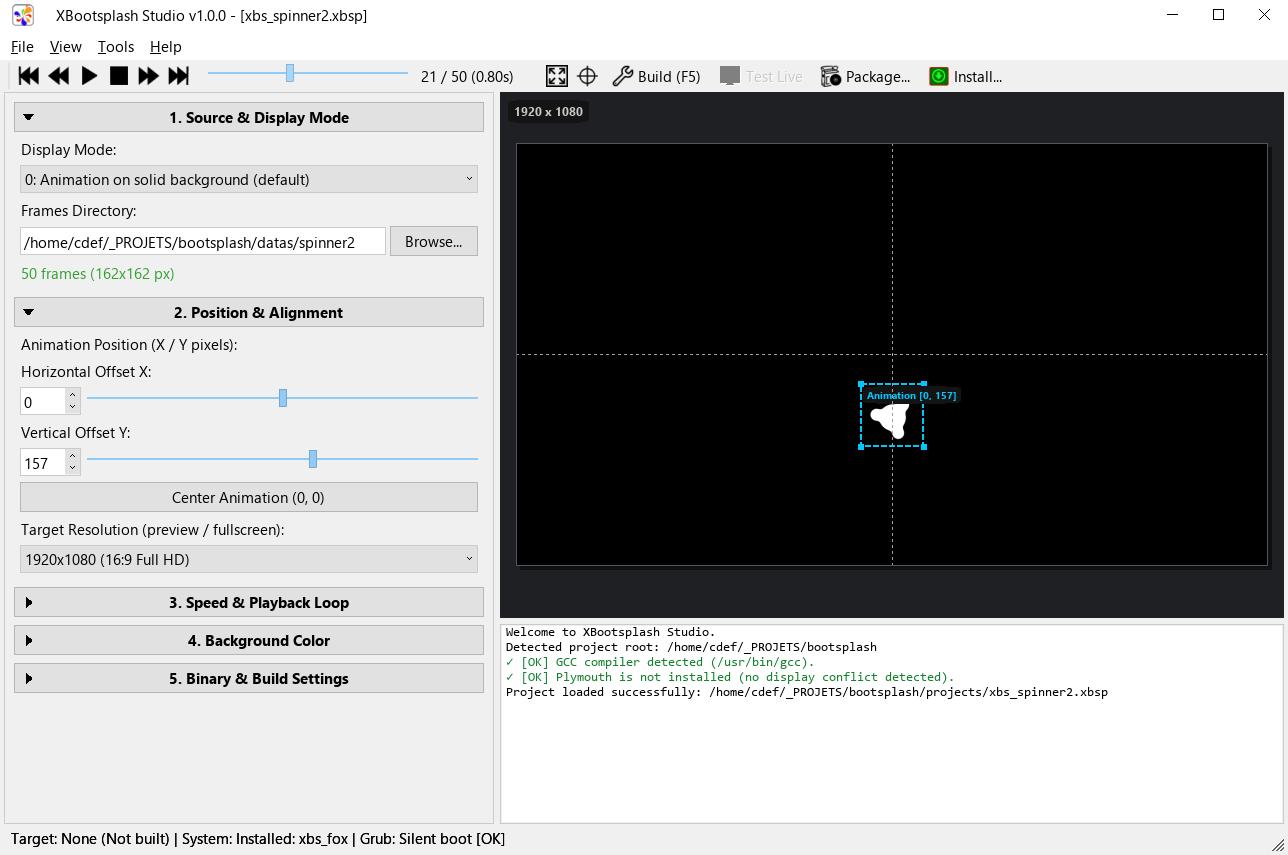
-Autonomous GUI Studio: Fast and lightweight TQt3-based visual studio (xbootsplash-gui) with real-time composite canvas, eyedropper color picker, package inspector, and an embedded hardware test runner (100% self-contained single executable)
-Dual Super-Compression (ZX0 & UPKR):
- ZX0 Super-pack: Elias-gamma variable-length coding, ultra-fast microsecond decode rate (>340 MB/s), 0-byte RAM state
- UPKR Super-pack: Modern LZ + rANS adaptive entropy coding, delivering an additional 15% to 25% size reduction vs ZX0
-Native Debian (.deb) Packaging: 1-click generation of installable .deb packages with automatic update-initramfs triggers on installation (apt install ./splash.deb) and removal
-Auto-detection: Frame indices, dimensions, optimal compression
-Interactive Builder & Visual Studio: Guided CLI setup with validation or full graphical suite
-SSE2 Optimized: Fast RGB565→RGB8888 conversion for 32bpp framebuffers
-Graceful Shutdown: SIGTERM/SIGINT handler for clean exit
-Custom Binary Names: Install multiple splash screens with unique names (xbs_*)
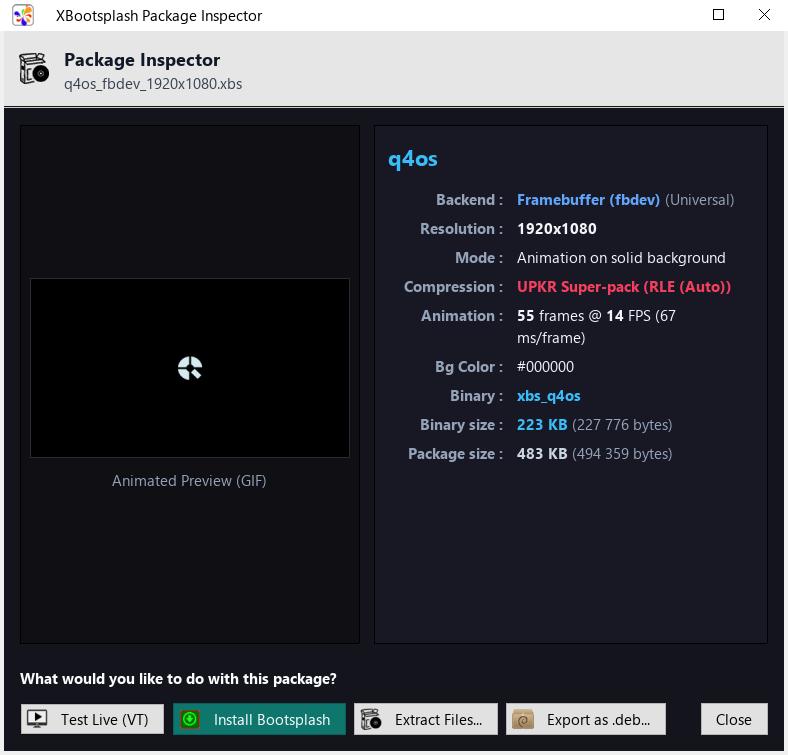
-Package System (.xbs): Export and install distributable theme packages with smart visual previews (lossless PNG for static images, animated GIF for animations)
-Visual Package Inspector: Browse .xbs packages with fluid, uncropped 16:9 real-time animated preview, inspect metadata, test on hardware, install directly, or convert to .deb
-Binary Extraction: Extract frames and images from compiled xbs_* binaries
-Dual Coordinate Systems: Position elements by offsets from center or absolute coordinates
======================== Release (cli, gui .deb / appimage) :
https://github.com/seb3773/xbootsplash/ … tag/v1.0.0
*As the gui is developped with tqt3, the package xbootsplash-gui_1.0.0_amd64.deb is of course for TDE only, for other desktops just use the appimage version : xbootsplash-gui-x86_64.AppImage
*cli version, like the AppImage gui is universal (runs on any Linux distribution, zero dependency)
===== Some screenshots of the Studio GUI:
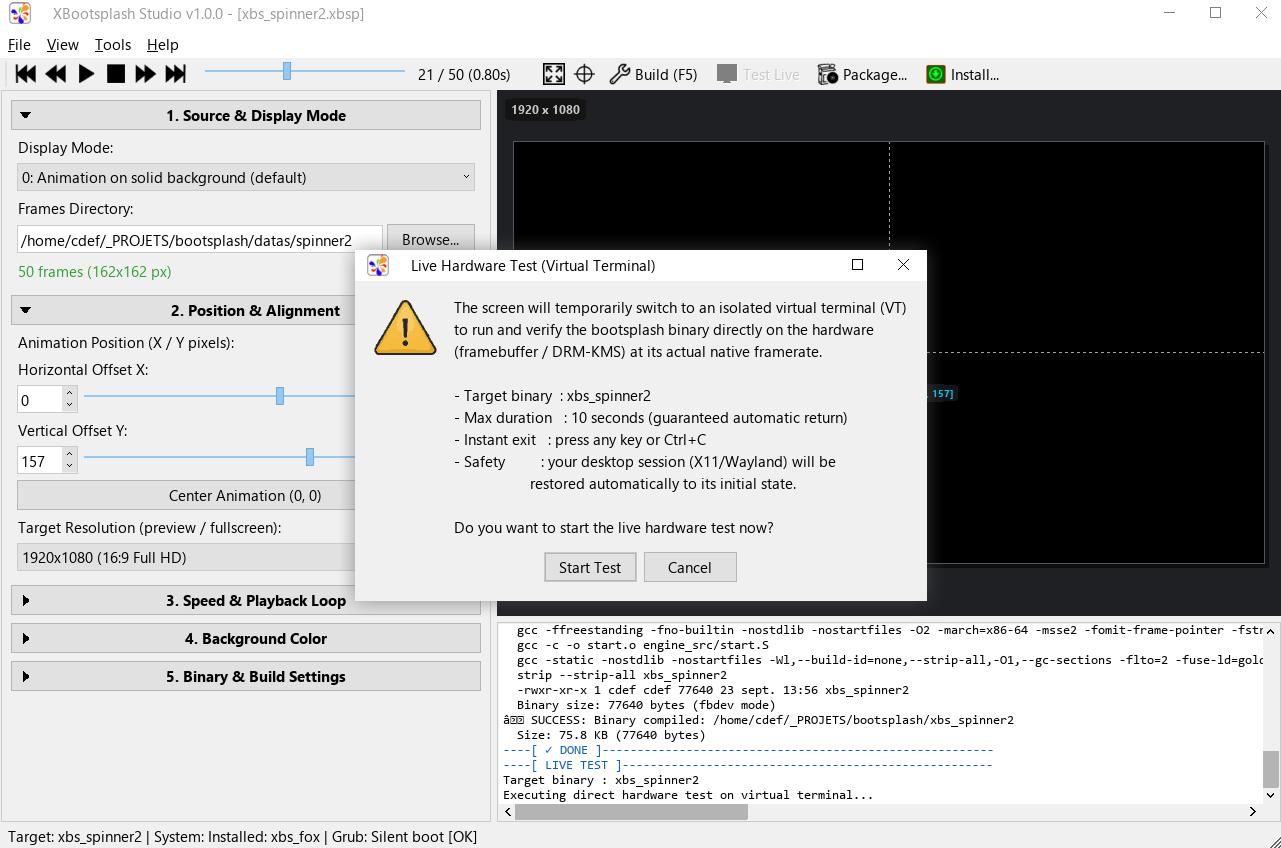
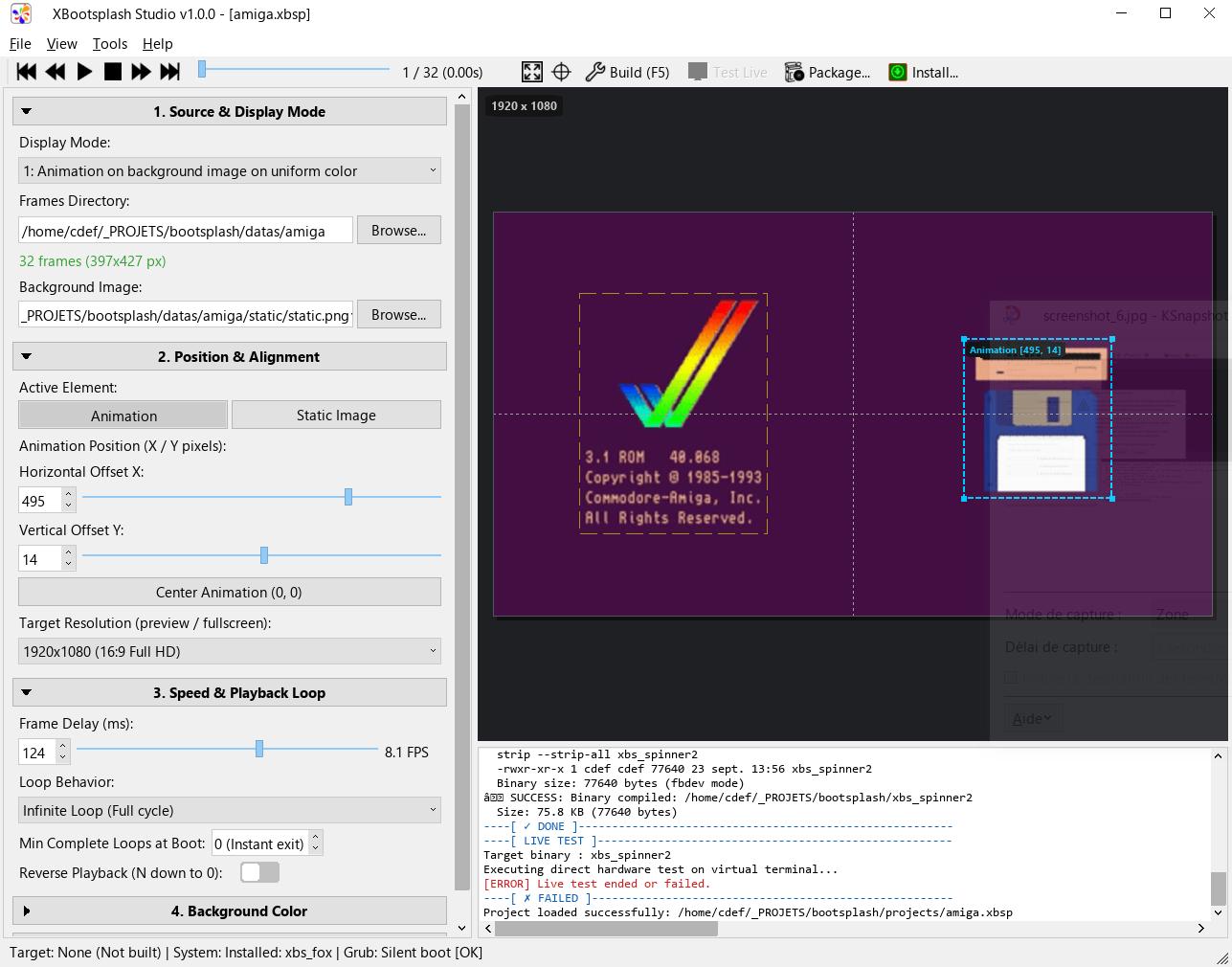
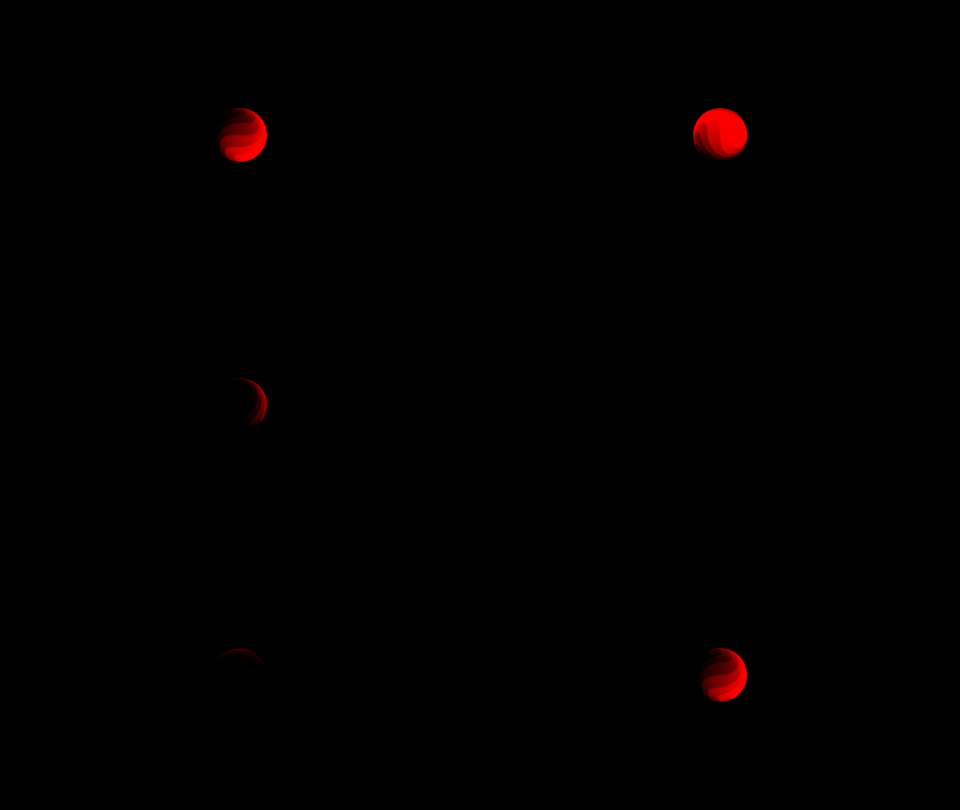
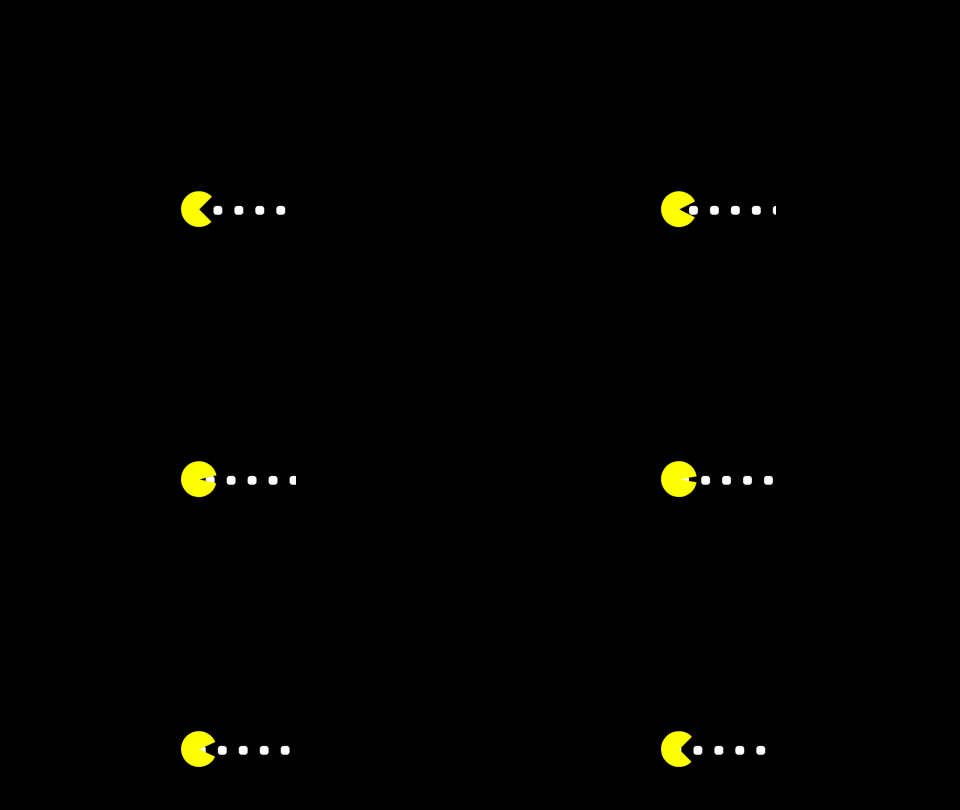
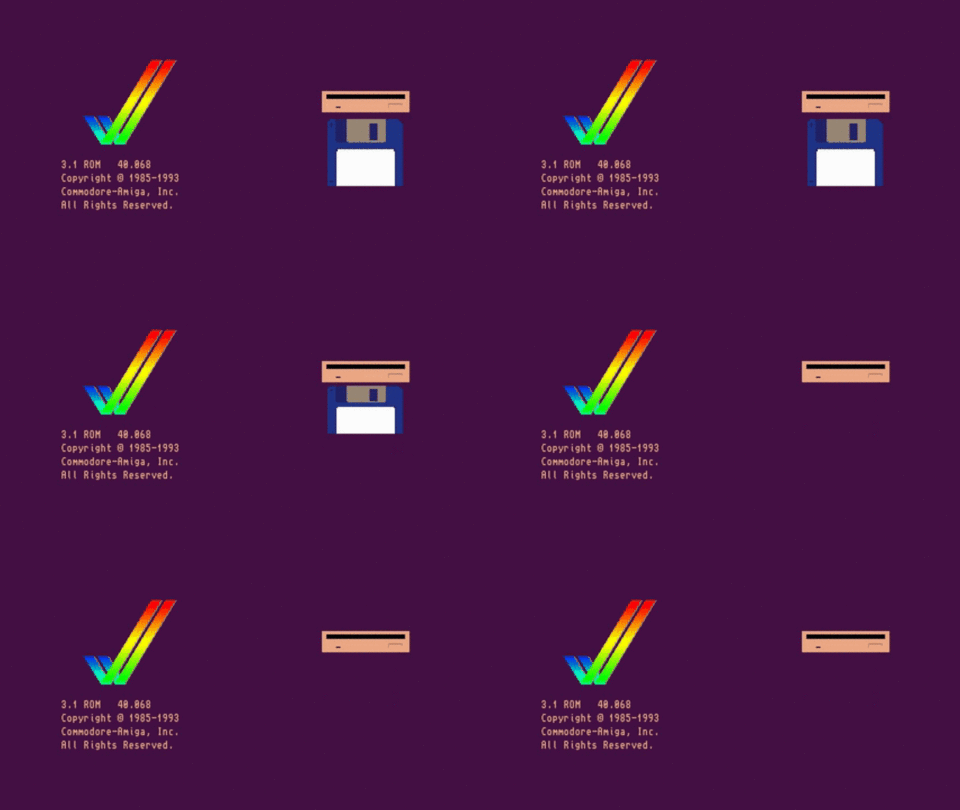
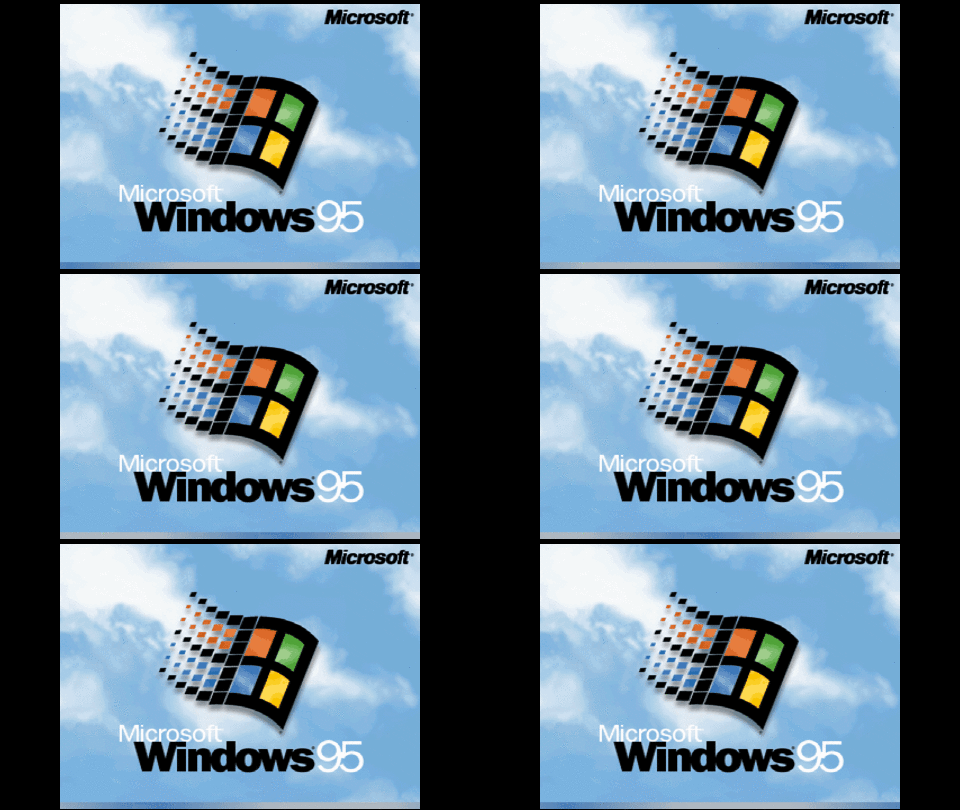
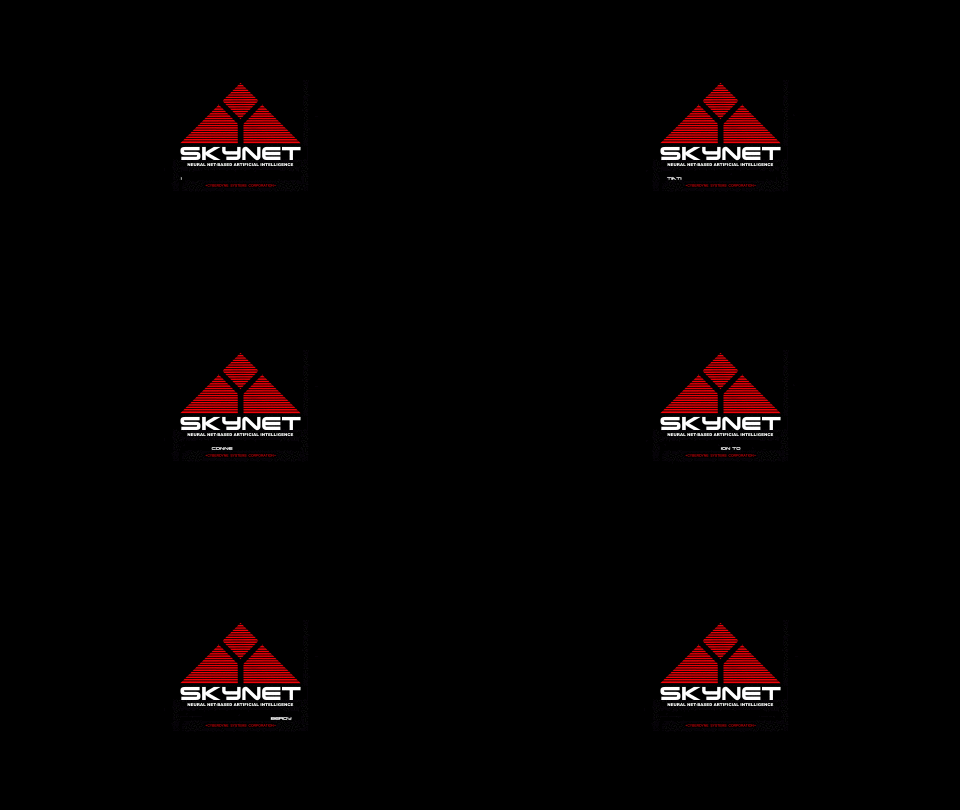
==== Some preview of already made examples boot splash (much more on the github repo):


Last edited by seb3773 (2026-09-23 13:24)
Debian & Q4OS (TDE!!), low-level C, ASM (z80/68k/x86/ARM64), embedded systems, CPU architectures (RISC-V, binary formats, assembly), retro-computing, metal music, guitar and sci-fi.
Offline
#2 2026-09-23 13:27
- Taige
- Banned

- Registered: 2025-08-19
- Posts: 104
Re: xbootsplash - a lighter alternative to plymouth for bootsplash !
A lot of work here, the animations are well done, a lot of respect for you, for the commitment and the time dedicated! 
The animation of the Amiga made me shed a tear, too many memories, too much nostalgia! 😢
Offline
#3 2026-09-23 14:07
- seb3773
- Member
- From: France
- Registered: 2023-11-01
- Posts: 285
Re: xbootsplash - a lighter alternative to plymouth for bootsplash !
A lot of work here, the animations are well done, a lot of respect for you, for the commitment and the time dedicated!
The animation of the Amiga made me shed a tear, too many memories, too much nostalgia! 😢
The presence of this splash screen (Amiga boot) is no coincidence. A long time ago, I owned an A500 (in fact, I still have it tucked away in a closet), as well as various other machines from that era—I’ll admit I’m quite nostalgic for them. I also had 8-bit machines (like the MSX, for example—there’s even a faithful MSX2 boot splash available) and 16-bit ones. I learned to code during that time, and I’ve kept the reflexes and habits from that era, which you can see in my coding style and most of the "architectures" I adopt.
I come from a time when resources were extremely limited, and efficiency and optimal use of RAM/CPU were essential. People tend to forget, but that era had true optimization geniuses who managed to achieve things that seemed almost impossible given the limited power available. I haven’t forgotten that time, and when relevant, I still use code elements and techniques from that era.
On a technical note, xbootsplash compresses frames, for example, using tools like zx0 or upkr at the end of the pipeline. These are directly inspired by that era: zx0 is a very slow compressor, but it produces an astonishing compression ratio given the extreme simplicity of its decoder. upkr is a more advanced version, offering a better ratio but slightly more resource-intensive (though still completely negligible on any CPU less than 15 years old...).
I also love embedding base resources directly into binaries because I appreciate the "self-contained" aspect—it avoids cluttering the disk with icon files for every app, and it allows for ultra-fast RAM access without reading a single resource from the disk once the app is launched. All of this stems from a different time and was particularly aimed at resource-constrained systems. But it’s a discipline I enjoy maintaining, as much as I can.
Anyway, nostalgia is leading me astray a bit—thanks for the encouragement, by the way! It’s a pleasure for me if my little applications can be useful to the community!
Debian & Q4OS (TDE!!), low-level C, ASM (z80/68k/x86/ARM64), embedded systems, CPU architectures (RISC-V, binary formats, assembly), retro-computing, metal music, guitar and sci-fi.
Offline
#4 2026-09-24 10:55
- Taige
- Banned
- Registered: 2025-08-19
- Posts: 104
Re: xbootsplash - a lighter alternative to plymouth for bootsplash !
Taige wrote:A lot of work here, the animations are well done, a lot of respect for you, for the commitment and the time dedicated!
The animation of the Amiga made me shed a tear, too many memories, too much nostalgia! 😢
The presence of this splash screen (Amiga boot) is no coincidence. A long time ago, I owned an A500 (in fact, I still have it tucked away in a closet), as well as various other machines from that era—I’ll admit I’m quite nostalgic for them. I also had 8-bit machines (like the MSX, for example—there’s even a faithful MSX2 boot splash available) and 16-bit ones. I learned to code during that time, and I’ve kept the reflexes and habits from that era, which you can see in my coding style and most of the "architectures" I adopt.
I come from a time when resources were extremely limited, and efficiency and optimal use of RAM/CPU were essential. People tend to forget, but that era had true optimization geniuses who managed to achieve things that seemed almost impossible given the limited power available. I haven’t forgotten that time, and when relevant, I still use code elements and techniques from that era.
On a technical note, xbootsplash compresses frames, for example, using tools like zx0 or upkr at the end of the pipeline. These are directly inspired by that era: zx0 is a very slow compressor, but it produces an astonishing compression ratio given the extreme simplicity of its decoder. upkr is a more advanced version, offering a better ratio but slightly more resource-intensive (though still completely negligible on any CPU less than 15 years old...).
I also love embedding base resources directly into binaries because I appreciate the "self-contained" aspect—it avoids cluttering the disk with icon files for every app, and it allows for ultra-fast RAM access without reading a single resource from the disk once the app is launched. All of this stems from a different time and was particularly aimed at resource-constrained systems. But it’s a discipline I enjoy maintaining, as much as I can.
Anyway, nostalgia is leading me astray a bit—thanks for the encouragement, by the way! It’s a pleasure for me if my little applications can be useful to the community!
Today we have reached the point where there is a waste of resources and an almost unnecessary return in efficiency...if not completely zero.
When you talk about those times and above all how people worked, "how they reasoned in that era", personally I almost feel a kick in the stomach if I make a comparison with the method of working today or how they think, in fact they don't even think anymore because that's what artificial intelligence is for.
No longer thinking, their neurons will continue to atrophy until they have a stupid gaze that is lost looking into nothingness.
What you do instead represents exactly the opposite, society should be like this and instead it is what it is and the results can be seen in every area. Honor to you, shame to them.
P.s.
I still don't understand why they continue to call it artificial intelligence when it's just an algorithm.
It's worrying how psychological and cognitive factors act on the mind of some people. 😨
Offline
- Registered users online in this topic: 0, guests: 1